
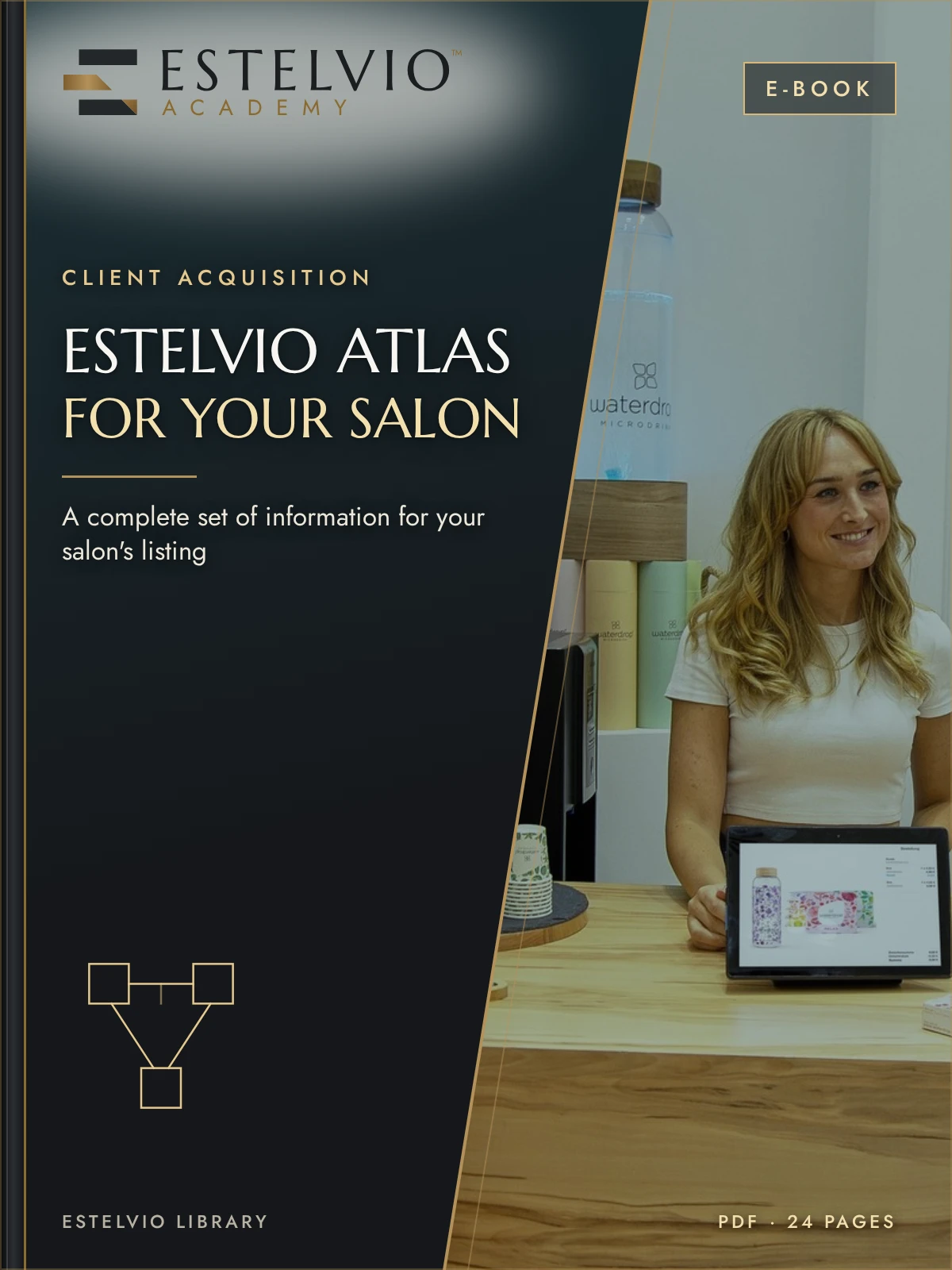
Estelvio Atlas for Your Salon: Getting the Most Out of Your Listing
A guide to your salon's listing in Estelvio Atlas: how to get access, what to fill in, how to prepare photos, a price list, and links, and how to respond to reviews. It ends with a plan for your first week.
What this e-book covers
A listing in Atlas is your salon's page, one that people searching for a service in your area can find. Many businesses have only basic registry data there, missing the things that actually convince a client: photos, a description, a price list, and hours.
This e-book walks you through completing your listing step by step. It shows what to enter in each field, how to prepare your materials, and how to keep it consistent with the other places your salon appears.
Who it's for
- Beauty salon and aesthetic medicine clinic owners
- People responsible for the salon's online information
- Receptionists filling in business details
What's inside
- 1.What Atlas is, and what your salon's page looks like. The layout of a listing, where your salon appears, and the details visitors see.
- 2.Access to your listing: the application and documents. How to submit an application, what documents to prepare, and what happens after you send it.
- 3.Salon and service description: text that answers client questions. A description template and a service list, with room for your details, address, and directions.
- 4.Photos, logo, and cover image: a shot list. Which photos to add, what order to arrange them in, and how to caption them.
- 5.Price list, opening hours, and contact details. How to enter approximate prices, hours including holiday exceptions, and contact channels so nothing falls out of sync.
- 6.Social media and directory profiles: linking. Which profiles to add, how to keep your name consistent, and how to avoid conflicting details.
- 7.Reviews: asking, responding, and templates. Short text for asking for a review and responding to comments, including critical ones.
- 8.Standard and Premium: what the plan changes, and what you do yourself. An overview of what depends on your own work, and what an upgraded listing adds.
- 9.A plan for your first week after getting access. Day by day: what to complete first, what to leave for later, and how to check the results.
Tools and templates
- a complete-listing checklist
- a salon description template with room for your details
- a price list template to paste in
- a first-week plan
After reading, you'll be able to
- submit an application for listing access and prepare the documents.
- complete the description, services, hours, and price list in a way clients understand.
- prepare photos and a logo in a form the listing displays correctly.
- respond to reviews and add links to your salon's profiles.
How to use it
- 1.Read the table of contents and start with the chapter that addresses your most pressing issue.
- 2.Pick one tool from the e-book and put it into practice this week, rather than trying to do everything at once.
- 3.Adapt the templates, phrases, and examples to your salon's voice and offer.
- 4.Track what works (bookings, replies, returning clients), and come back to the e-book for more ideas.
Format and access
"Estelvio Atlas for Your Salon: Getting the Most Out of Your Listing" is a PDF e-book, approx. 24 pages. You can pay online or by bank transfer against a pro forma invoice; once your payment is confirmed, the file is added to your account and we'll let you know by email.
Cheaper as a bundle
Bundle: Client Acquisition (PLN 109 for 8 e-books). The bundle gives you this e-book together with the other titles on the topic, for less than buying them separately.
Frequently asked questions
Is an Atlas listing free?
The basic listing is free. The e-book describes what you can complete yourself, along with a short overview of the upgraded plan.
Is this e-book for salons that don't have an Atlas listing yet?
Yes. The first chapters explain how to check whether your salon is already in the directory, and how to submit an application or add your business.
What format will I get the e-book in, and how do I download it?
The e-book is a PDF file. Once your payment is confirmed, we add it to your Academy account (My Courses, Documents tab). You can download it at any time, read it on your phone, tablet, or computer, or print it out.
Does the e-book guarantee specific results?
No. Results depend on your offer, location, and how consistently you put things into practice. The e-book provides a clear structure, ready-made templates, and an action plan that make the work easier.
"Estelvio Atlas for Your Salon: Getting the Most Out of Your Listing" gives you concrete tools for your salon: Complete your listing in Estelvio Atlas so someone nearby sees the full picture. Add it to your cart and start putting it into practice as soon as your payment is confirmed. Need several e-books on the same topic? Check out the bundles - you'll pay less.
Not sure where to start? Match my training or contact us.
What's included
- a complete-listing checklist
- a salon description template with room for your details
- a price list template to paste in
- a first-week plan
Who it's for
- Beauty salon and aesthetic medicine clinic owners
- People responsible for the salon's online information
- Receptionists filling in business details
Cheaper in a bundle
This e-book is part of bundles. In a bundle you get it together with the other titles on this topic, for less than the sum of the individual prices.

Similar e-books
10 ways to get new salon clients
10 ways to get new nail-styling clients
10 Ways to Bring New Clients to a Hair Salon or Barbershop
The premium client: 10 ways to attract them

Facebook and Instagram advertising: from zero to a full calendar
This e-book is a general guide and does not constitute legal, tax or medical advice. Results depend on your offer, location and consistency of implementation.